Parking Games Tips: Reverse Parking, Cameras and Precision
Updated
The core parking games tips: crawl instead of driving, reverse into tight spaces, change the camera before the last move, and stop with the whole vehicle inside the lines. Most parking games fail you for touching a wall or a car, and some add a clock on top. Below is how to reverse, how to use the camera views, and how to handle trucks and buses, with games from the parking games collection. The basic driving keys are in the car games guide.
What counts against you
Every parking game has its own idea of a failed attempt, so read it before the first level.
| Game | What costs you |
|---|---|
| Taxi Parking Challenge 2 | Even a light touch of a curb or a parked car, and a time limit |
| Army Cargo Transport Driving Online | Three crashes, and the truck blows up |
| Real Car Parking 3D | Rubbing the walls; the boxes do no damage but slow you down |
| Parking Slot | Time: finishing quickly earns more points |
| Extreme Car Parking 3D | Falling off the narrow elevated platforms |
| Parking ACE 3D | Crashing, and running out of time |
Reverse parking: why it works and how to do it
Reversing gets you into spaces with less room to spare. Wikipedia's article on parallel parking explains that along a curb, backing in lets you use a single space not much longer than the car, where driving in forward usually needs two empty spaces in a row.
The thing that catches most players is the front swing. The UK Highway Code, rule 202 tells drivers to reverse slowly and to remember that the front of the vehicle swings out as you turn. In a game, that is the moment the nose clips the car next to you.
Reversing into a bay
- Stop with the car straight and a little past the space.
- Reverse slowly and steer toward the space. Tap the key rather than holding it.
- Watch the front as it swings out, and check it clears the car or wall on that side.
- Straighten the wheels before the car is fully in.
- Stop with every wheel inside the lines, and fix the position with a short move forward or back.
In some games reverse is a gear, not the brake key. Vehicle Masters uses R for reverse and D for drive, Car Parking Pro changes gear with the up and down arrows, Army Cargo Transport uses R, and Parking ACE 3D has gear buttons and suggests playing its practice mode first to learn them.
Parallel parking
The same Wikipedia article sets out the method: drive slightly past the space, alongside the car in front of it, then reverse in. Learners use reference points to judge when to turn the wheel and may stop briefly at each one, and the final position can take a few moves forward and back. Parking Master: License Exam works up to parallel parking on narrow streets.
Mirrors and camera views
Parking games give you a camera instead of a neck. Use it before the last move, not after the scrape.
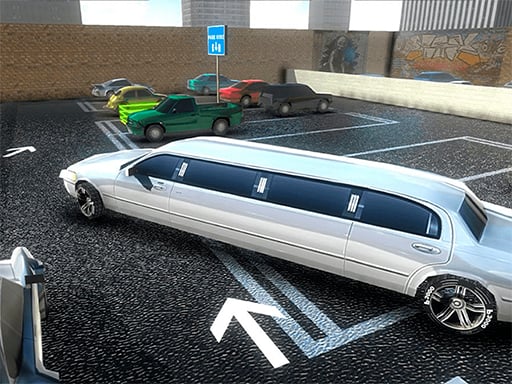
- Limo Parking tells you to check your mirror angles and the clearance, and to keep one foot on the gas and the other over the brake. C changes the camera.
- Parking Slot zooms and rotates the camera with the mouse; on a phone you slide on the screen to rotate it.
- Classic Car Parking 3D rotates the camera while you hold the left mouse button, with Space for the handbrake.
- Cartoon Retro Car Parking 2019 turns the camera with the mouse.
- Sports Car Dock Parking changes the camera view with C.
- Car Parking Pro has Space for the brake and the arrows for the gears.
Line up from a view behind or above the car. For the final meter, switch to a view that shows the side you are closest to, then stop and check before the last tap.
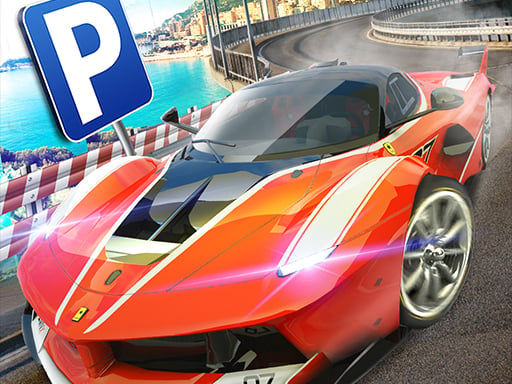
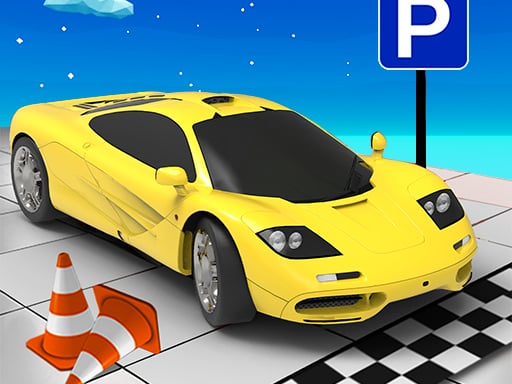
Trucks, trailers and buses
Long vehicles leave less room for error, so go slower and use the camera more often than you would in a car.
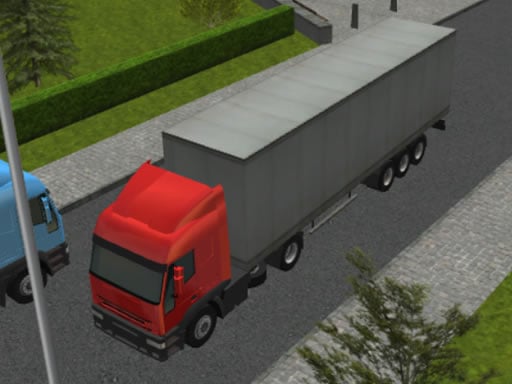
- Truck Space 2 gives you a truck with a trailer. Watch the road signs: they show where and in which direction to park the trailer.
- 3D Truck Parking sends a trailer truck through a city to a marked area, and its own advice is to use the camera to see the vehicle from different angles.
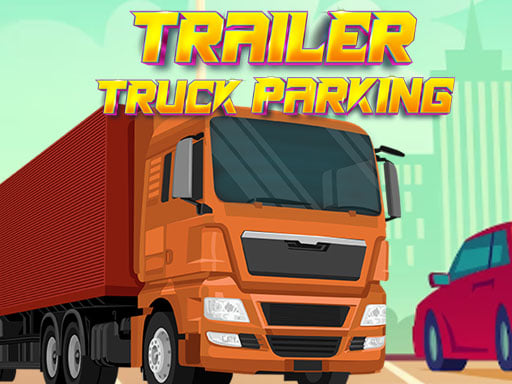
- Trailer Truck Parking asks you to park in crowded lots without touching any other vehicle or object, driving carefully and methodically.
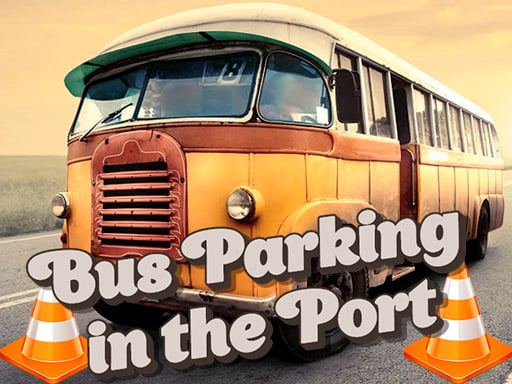
- Bus Parking in the Port has 104 levels, gears you shift forward or back whenever you want, and C for the camera.
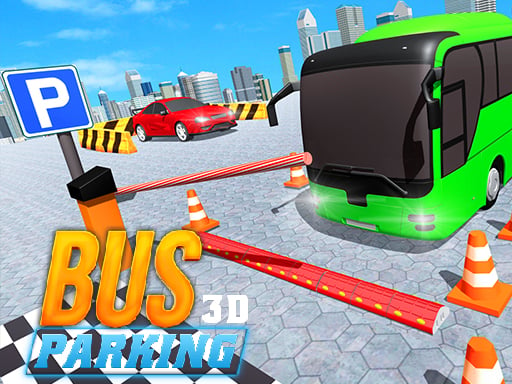
- 3D Bus Parking has 100 levels; park between the lines without an accident and collect coins for new buses.
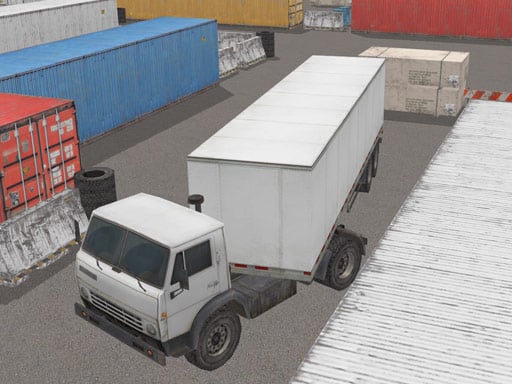
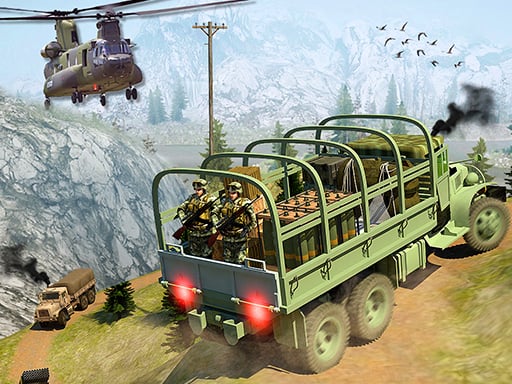
- Army Cargo Transport Driving Online puts rocks and obstacles on the way to the parking area, and three crashes end the run.
Precision habits
- Tap the accelerator; holding it is how cars end up in walls.
- Brake early. Extreme Car Parking 3D puts the brake on Space and asks you to stop fully inside the marked zone.
- Correct with short moves forward and back instead of one long steer.
- Stop before the final move and change the camera.
- Learn the gears in a quiet level, the way Parking ACE 3D suggests.
Parking puzzles: no driving at all
Some games in the collection are puzzles about parking rather than driving.
- Park Draw Game has you draw a path to lead each car to its matching spot without crashing.
- Parking Puzzle Game asks you to move cars out of the way to clear a path for the target car.
- BEEP OUT sends each car along its roof arrow when you tap it, over 30 levels, with undo and a hint when you get stuck.
- Parking Frenzy needs no pedals: swipe to draw the path and the car follows it into the space.


Parking games FAQ
How do you reverse park in parking games?
Stop just past the space, reverse slowly while steering toward it, watch the front swing out, straighten up before you are in, then stop inside the lines. Check whether the game reverses with the brake key or with a gear key such as R.
Why do I keep hitting things when I reverse?
Often it is the front of the car, not the back. As you turn in reverse the front swings out, so a car parked next to the space is easy to clip. Change the camera to watch that side.
Can you play parking games on a phone?
Yes, in games with touch controls. Parking Slot and Truck Space 2 have on-screen buttons and a slide to rotate the camera, and Taxi Parking Challenge 2 has on-screen buttons too. The site works in the browser of a phone, a tablet and a computer.
More bays, trucks and buses are in the parking games collection, and more trucks to drive are in truck games.