Games to Play on Mac: Browser Games for Trackpad and Keys
Updated
To play games on a Mac, open the site in Safari, Chrome or Firefox, pick a game and press play: browser games run inside the tab, with nothing to get from the App Store or Steam. The games below are sorted by what they ask of a Mac: a trackpad click, a right click or the keyboard.
Which browser to use on a Mac
Safari comes with every Mac, and Chrome and Firefox run on macOS as well. You play free, right in the browser, with no install and no registration; the site works in the browser of a phone, a tablet and a computer alike.
If one game misbehaves in one browser, opening it in a second browser is a quick test. Favorites, recently played, the game of the day and the streak work without an account, and they live in the browser you use, so keep to one browser if you are building a streak.
Trackpad games: click, drag and swipe
These games name a mouse or a touchpad in their own instructions, so a MacBook trackpad covers everything they ask for.
- Unite Words asks you to find groups of 4 related words and put each group in one row. Swap words between rows until each row holds one set, before the time runs out; a hint highlights a group when you are stuck.
- Word Search Universe Easter is a word search with an Easter theme: swipe through the letters with the trackpad to mark each hidden word.
- Infinite Blocks has you defend your base against an advancing block army by eliminating whole rows with well-placed shots.
- Rapid Match asks you to shoot blocks from the bottom at matching ones above to clear the row, while your own block keeps changing.
- Stars Strike moves a master block left or right with each click; line it up with its identical block to remove the row before the blocks reach the top of the screen.
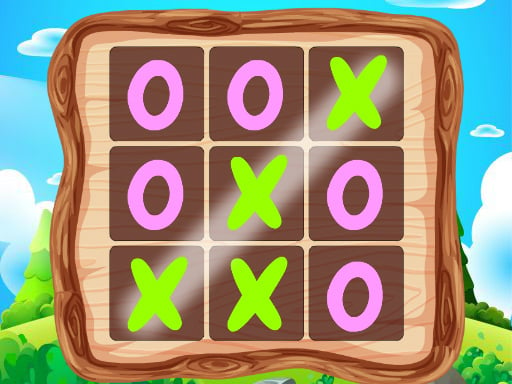
- XO With Buddy is tic-tac-toe for two at one Mac: click an empty spot, and three in a row wins.


More games played without the keyboard are in games to play with mouse only.
Games that ask for a right click
A MacBook trackpad has no second button. Apple's guide to Multi-Touch gestures gives the secondary click as a click or tap with two fingers, and holding Control while you click does the same. These games put an action on the right button:
| Game | Right click | Other controls listed |
|---|---|---|
| Chikis Chase | Shoot | Left click to jump |
| KillMaster Secret Agent | Shoot | None for a computer |
| Merge Tower Defense | Double right-click a tower to merge it with an identical one | Or hold the right button and drag the tower |
| Origami Rats Invasion | Power attack, once it is ready | The mouse aims, left click or Space fires |
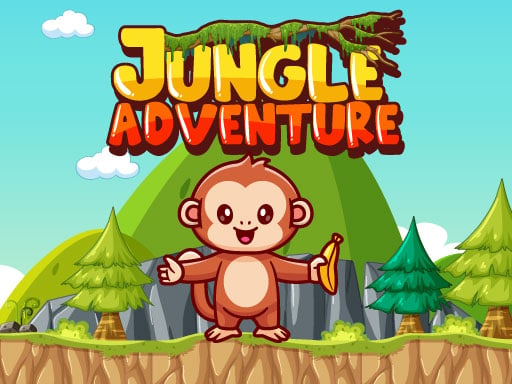
| Jungle Adventures | Jump | Left and right arrow keys to move |
In Merge Tower Defense, a double right-click on a trackpad means two quick two-finger clicks.
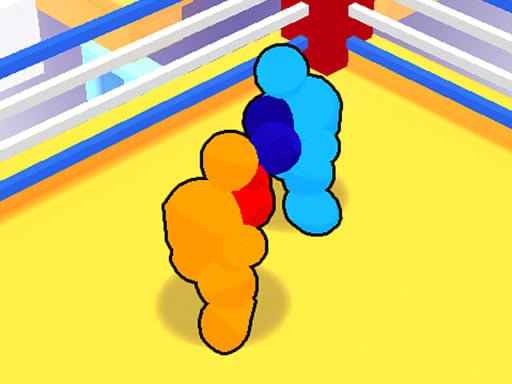
Some games put the same action on a key, which saves you the two-finger click in the middle of a fight. Wobbly Boxing 3D punches left with a left click or F, punches right with a right click or G, and breaks the opponent's guard with both buttons or T, while WASD or the arrow keys move your boxer. It plays against the computer or a friend.


Mac keys for games
Many game instructions use key names from Windows keyboards. Here is what they mean on a Mac.
| A game asks for | On a Mac |
|---|---|
| Ctrl | The Control key, not Command |
| Right click | A two-finger click on the trackpad, or Control and click |
| F1 to F12 | Hold Fn or Globe, then press the function key |
| Enter | Return |
| Esc | Esc, at the top left of the keyboard |
Apple's list of Mac keyboard shortcuts explains the Fn or Globe part: combine the top-row keys with Fn or Globe to use them as F1, F2 and the rest. The same list says Command-W closes the front window and Command-Q quits the app, so keep your thumb off Command in games that use W, A, S and D.
Two puzzles show how keys and clicks share the work. In Arrow Tap Game you click arrows in the right order to clear the maze, and the keyboard adds R to restart the level, H for a hint and Esc to pause. In Ants Clear All: Color Block Puzzle you click a box in the front row to send out an ant team, or press 1 to 5 to pick a column, and Escape pauses.


What WASD, Space and Shift usually do is covered in keyboard controls for games.
Two players on one MacBook keyboard
A laptop keyboard is small, so games that give each player a few keys at opposite ends suit it.
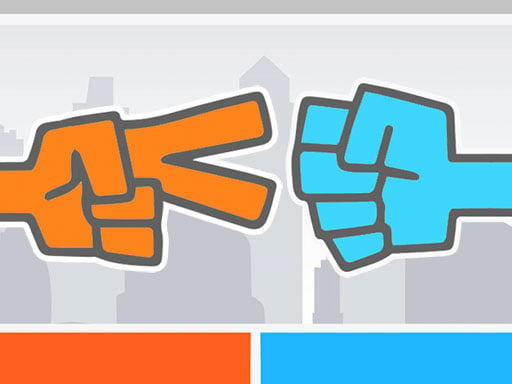
- Roshambo is rock paper scissors for two: one player uses A, S and D, the other J, K and L, and the first to 3 wins. It also plays against the computer.
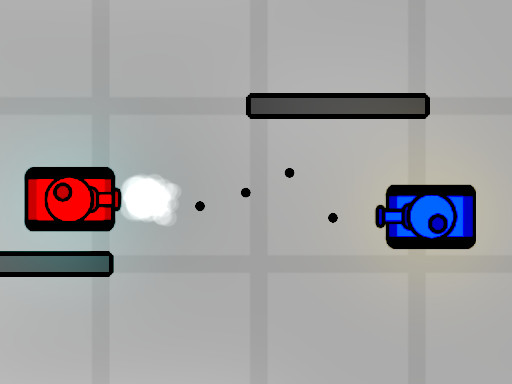
- Tank Struggle gives one tank W, A, S, D and G, and the other the arrow keys and K. Before the match you set how long it lasts, from 1 to 99, and power-ups appear during the fight.
More key splits are in 2 player games on one keyboard.
Full screen on a Mac
Start the game, then press Play fullscreen under the game, on the right, and Esc brings you back. To hide the browser's bars instead, click the green button at the top left of the window, or press Control-Command-F, which Apple lists as the shortcut for an app's full screen. Chrome's own shortcut and the differences between the two kinds of full screen are in how to make a browser game full screen.
When a game will not load on a Mac
Apple's page on Safari problems on Mac gives the first steps for Safari:
- Reload the page with Command-R, or choose Reload Page from the View menu.
- Open the game in a private window: choose New Private Window from the File menu, or press Shift-Command-N. If it loads there, data Safari stored for the site is the likely cause.
- Turn off extensions: choose Settings from the Safari menu, click Extensions and deselect each one.
- Try the game in another browser. If it runs there, the first browser needs one of the steps above.
The longer checklist, with WebGL, graphics acceleration and what clearing site data costs, is in browser game not loading.
Frequently asked questions
What games can I play on a Mac for free?
Browser games. You play free, right in the browser, and the site has no in-game purchases, paid access or subscriptions. The catalog holds more than 14,000 games.
Can I play browser games on a MacBook Air?
Yes. They open in a browser tab on a MacBook Air as on any Mac, and you play with the trackpad and the keyboard. Large 3D games usually ask more of a computer than simple 2D ones, so if one feels slow, try a 2D game.
Do I need Steam or the App Store?
No. Browser games load inside the browser tab, so there is nothing to download or install.
How do I right-click in a game on a MacBook?
Click or tap the trackpad with two fingers, or hold Control and click. If the game lists a key for the same action, the key works too.
A Mac, a browser and the trackpad under your hand are all you need to start.


