One Button Games: Games Played With One Tap, Click or Key
Updated
One button games use a single input: one tap, one click or one key, and the whole game is when you press it. On a computer that key is usually Space, and a mouse click or a tap on a touch screen does the same job. Below are games whose own instructions name the input, sorted by what the button does.
What counts as one button
A game counts here when its instructions list one input and one action, such as "click to jump" or "touch and hold to fly". The input changes with the device, but the rule does not: a key on a keyboard, a click with a mouse, a tap on a screen.
| Input | How the instructions name it | Example |
|---|---|---|
| Space | "Space Bar or Left Click to jump" | Data Breach |
| Click | "Click to jump" | Pale Pursuit |
| Tap | "Tap the screen to jump or click the mouse to jump" | Dino Jump Game |
| Hold | "Touch and hold to fly, release to run" | Stickjet Challenge |
Jump games
Jumping is the classic single action: obstacles come, and you decide when to leave the ground.
Data Breach puts you in the role of a computer virus that has to avoid every scanner the antivirus throws at you. Press Space or click the left button to jump.
Skiing Downhill is a skiing game where you click or press the space bar to jump the rocks. Nullpulse Runner has you control a glowing energy orb through a neon world: Space or the left mouse button jumps on a computer, a tap jumps on a phone, Esc pauses and M mutes.
Boots n Bounds sets you on a rhino in an endless run, and its description promises simple one-tap controls: click to jump, and one missed jump ends the run. Pale Pursuit is a chase in which ghostly figures follow you, and you click to leap over spirits and traps.
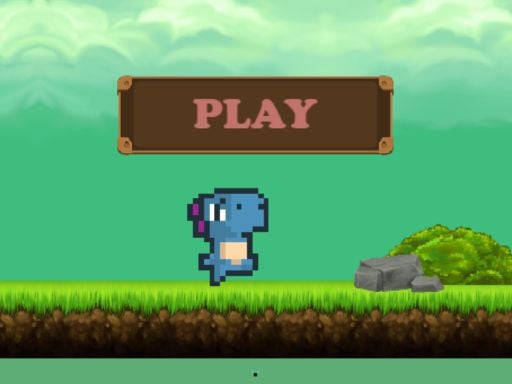
Dino Jump Game has you leap between platforms, avoiding frogs, with a shield and a bomb as power-ups. Tap the screen or click the mouse to jump.


More runners and jumpers are in running games and platformer games.
Gravity and direction
Some games give the button a different job: instead of jumping, it flips or pushes something.
Mini Switcher switches gravity to guide a small blob to the goal, across 30 levels with colorful enemies and a speed run mode. On a computer, X, Space or a left click switches it, and on a phone a touch does.
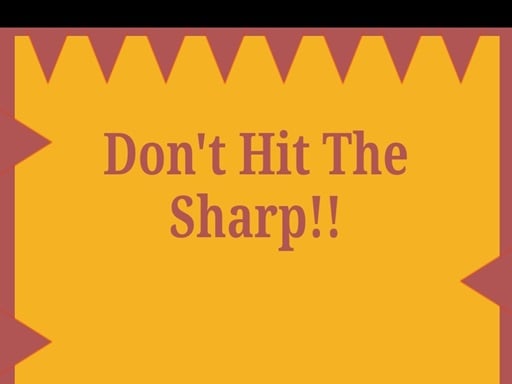
Gravity Ball Run lets the ball move against gravity: use the space bar or tap the screen to send it up or down, and finish the level without hitting an obstacle. In Dont Hit The Sharp, a click or tap sends your ball upward, sharp edges appear on the sides, and your timing decides how long you survive.

Hold and release
Here the button has two moments, the press and the let-go, and the second one matters as much as the first.
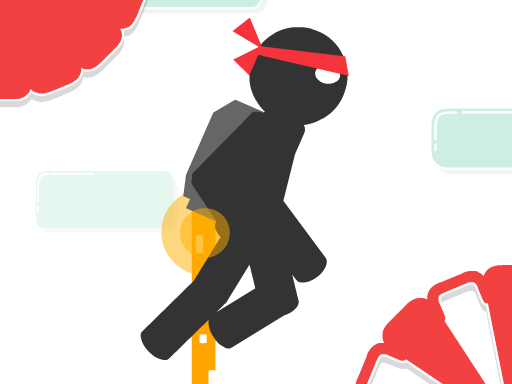
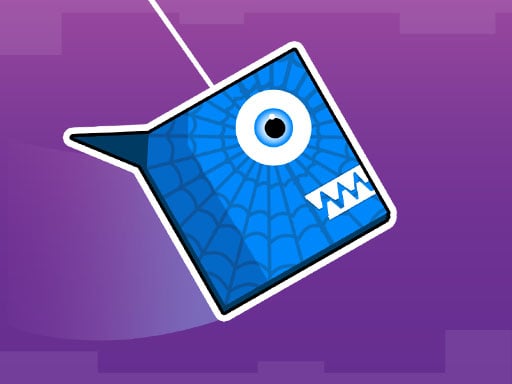
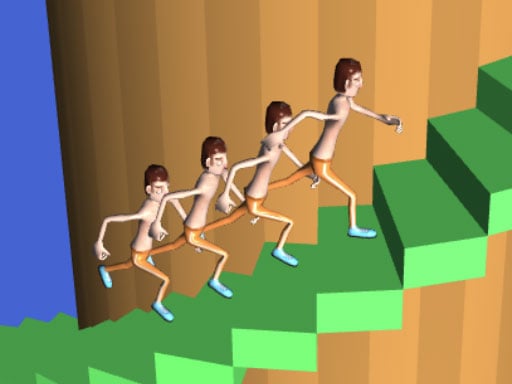
Stickjet Challenge asks you to touch and hold to fly and release to run, while you dodge obstacles and collect stars. In Spiders you tap and hold to swing on the roof and blocks, and release to go down. Follow Jumper has you press and hold the screen to generate stairs that carry the character up or down the tower, past obstacles.
Time one action
When there is only one action, the skill is in the timing.
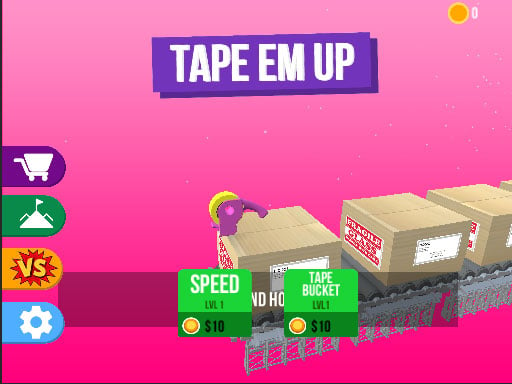
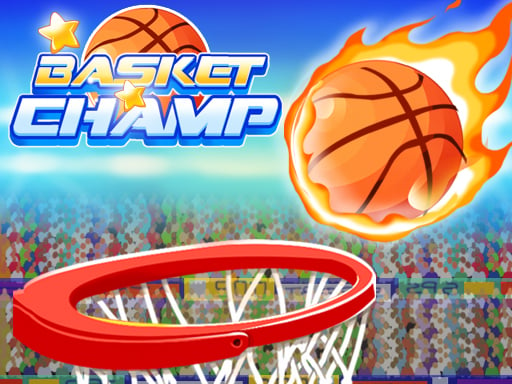
Tap em up gives you one key: press Space to tape the boxes, and do not waste the tape. Basket Champ is described as a single tap-based game: tap the screen to hit the ball toward the basket, and the theme changes after you clear 5 levels.
Table Tug Online uses Space or a tap to tug a table across the line against an opponent, either in local two-player mode or online against players around the world.
Tips for one button games
- Find the key in the instructions first. Data Breach, Skiing Downhill, Nullpulse Runner, Mini Switcher, Gravity Ball Run, Tap em up and Table Tug Online all name Space or the space bar.
- Use the pause key when one is listed. Nullpulse Runner pauses with Esc and mutes with M.
- Press with a steady rhythm instead of mashing. In Boots n Bounds one missed jump ends the run.
- In hold-and-release games, learn when to let go. In Spiders and Stickjet Challenge the release changes what happens next.
- Expect the same game on a phone. Nullpulse Runner, Mini Switcher and Dino Jump Game list a tap or touch for mobile.
More one-input games are in hypercasual games and the hypercasual games guide, and one hand games for your phone sorts them by tap, hold and swipe. For what Space and the other keys usually do, see keyboard controls for browser games.
One button games FAQ
What are one button games?
Games played with a single input: one tap, one click or one key. The whole game is the timing of that one press, whether it makes a character jump, flips gravity or releases a held charge.
Are there one button games online for free?
Yes. Every game above plays free, right in the browser, with no install and no registration.
What is the difference between one tap, one click and one key games?
Only the device. A tap is for a touch screen, a click for a mouse and a key, usually Space, for a keyboard. Many games accept more than one: Data Breach takes Space or a left click, Nullpulse Runner takes Space, a left click or a tap, and Dino Jump Game takes a tap or a click.
Can I play one button games on a phone?
Yes. The site works in the browser of a phone, a tablet and a computer. Many of these games list a tap or touch for mobile, such as Nullpulse Runner, Mini Switcher and Dino Jump Game, while a game that lists only a key, such as Tap em up, is built for a keyboard.
Start with a jump game, then try one where the button has to be held.


