One Hand Games to Play on Your Phone: Tap, Hold, Swipe
Updated
The games that work with one hand use simple inputs: taps, holds and releases, swipes or drags, all done with your thumb. Every game below names them in its own instructions, and all of them run in your phone's browser.
How to tell if a game works with one hand
Read the controls before you start. Words like tap, hold, swipe and drag, with no joystick, usually mean one thumb is enough. A virtual joystick plus a fire button means two thumbs: Grave Blast, for example, moves with a joystick on the left and shoots with a button on the right. WASD or arrow keys with no touch controls mean the game was built for a keyboard.
The games below are sorted by the move your thumb makes. Many more are in mobile games.
Tap games
One tap does one thing, so timing is the whole game. In Orbit Tap Rush One Tap Game you tap anywhere to reverse two planets circling a shared orbit while obstacles fall; every 30 seconds a Star Power appears, and collecting it gives a short shield. In Go Up Tap ZigZag Box Challenge each tap switches a small box between left and right on its way to the winning line.
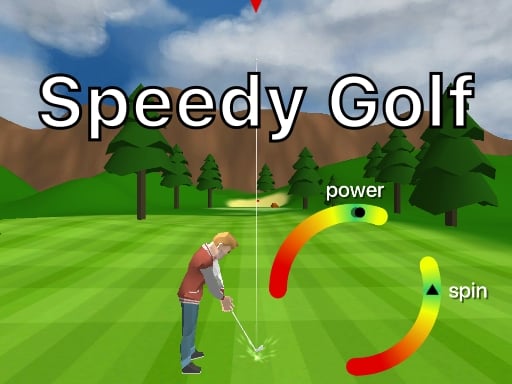
Jelly runner platform jumps with a tap anywhere on the screen, and its description asks phone players to rotate the phone. Tennis Hero is one-button tennis against three opponents: tap to time each shot, hold and release to serve. In Speedy Golf, two arrow buttons set the aim and three taps make the shot, upright or sideways.



Hold-and-release games
Here you keep your thumb down, and letting go is the move. In Popcorn Master you hold to fill a bucket with popcorn without dropping any. Fruits Slice Challenge chops while you hold and stops when you let go, so you can pass the boards that would damage the knife.
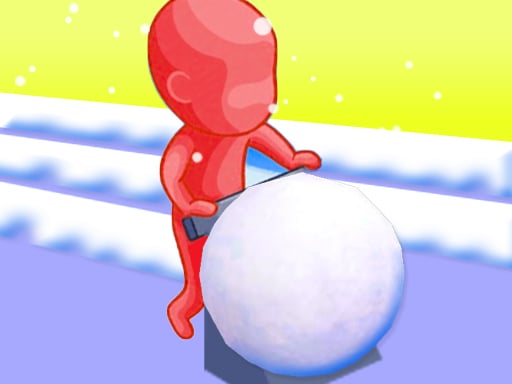
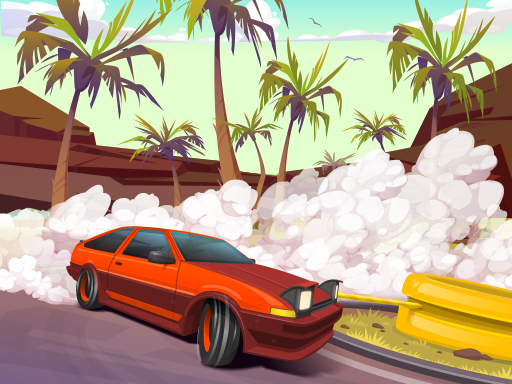
Giant Snowball Rush moves while you hold, and the snowball grows as it rolls, which makes it harder to steer. Drifting Mania is tap, hold and release on a rope to keep the car on the road. In Wrecking Ball Tycoon you hold and release the swing, and letting go in the green zone gives a stronger hit. Athletics Hero covers the 100m, javelin and triple jump: tap the prompts, then hold and release to throw and jump.



Swipe games
A swipe gives you direction as well as timing. Swipe Box Physics Arcade Game has you swipe up, left or right to land a box in a basket before time runs out. Snake Block Rush steers a bead snake left and right through numbered blocks, and Rolling Halloween moves a ball left and right with a swipe up to jump.
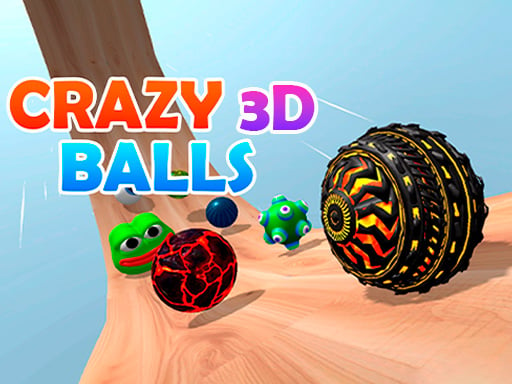
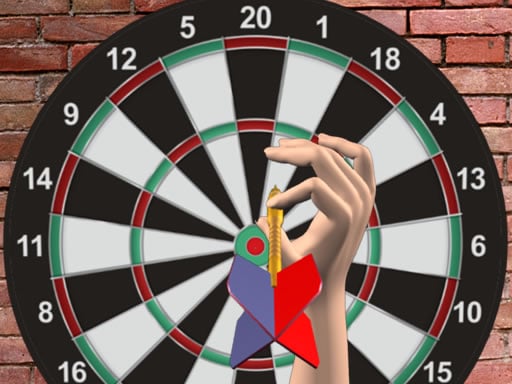
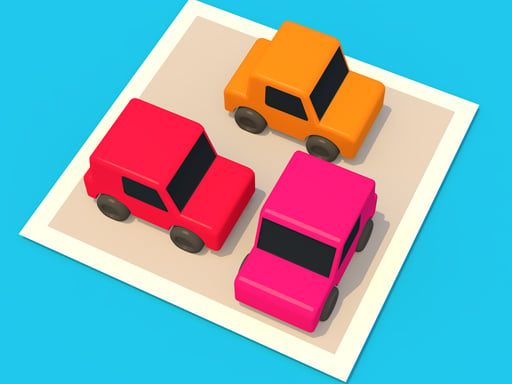
In Crazy Balls 3D you swipe forward to speed up and sideways to turn, in a race to the finish line. Darts 501 and more throws each dart with a swipe. Unpark Jam is a puzzle: swipe cars forward or back to clear a way to the exit.


Puzzles and card games
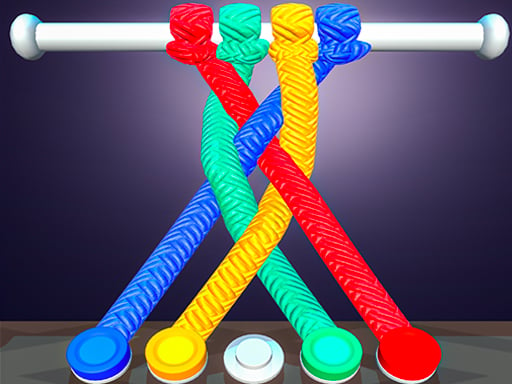
Puzzles give you time to think between taps. Gem Mahjong is built for an upright phone: tap two free tiles that show the same gem, clear the stack before the timer runs out, and keep the slot tray from filling up. Color Water Sort is tap to pour until each tube holds one color, and Tangled Rope Fun asks you to untangle knots in the right order.
Klondike Solitaire Treasures takes a tap or a drag for each card, and a double tap sends a card to its foundation. In Colored Water and Pin you pull pins so the colored water reaches the flasks.




Idle and clicker games
Idle games keep working while you hold the phone. Raccoon Clicker earns coins with each tap on the raccoon, and the upgrade buttons buy helpers. In Magic Farm : Clicker every tap grows the farm until you can automate the harvest. Idle Dairy Tycoon collects milk with a touch, and Tap Cute Animals turns taps into coins and hats for its animals. How upgrades and prestige work in games like these is explained in idle and clicker games.


More quick one-input games are in hypercasual games, and games to play when bored sorts more picks by the time you have.
Make the phone easier to hold
On a phone held upright, the game sits in a wide frame under its title. A game drawn for an upright screen, such as Orbit Tap Rush, shows as a narrow strip in that frame. Start the game, then tap Play fullscreen under the game, on the right, and the game fills the screen.
On an iPhone there is no such button: Safari on iPhone does not offer this kind of full screen, so the game plays in the page. Turn the phone sideways for landscape games. More on this is in how to make a browser game full screen.
Frequently asked questions
What games can you play with one hand?
Games with simple inputs: tapping, holding and releasing, swiping or dragging. Puzzles, card games and idle games work too, since a thumb is all they need.
Do these games work on iPhone and Android?
The site works in the browser of a phone, a tablet and a computer, and every game here is played with taps, holds, swipes or drags. The one difference is full screen: on an iPhone there is no Play fullscreen button, and the game plays in the page.
Is there an app to install?
No. Each game opens free in the phone's browser, with no app to install and no registration.
Pick the move that suits your thumb, and keep the other hand free.