Retro Games Online: Pixel Art and Arcade-Style Picks
Updated
Retro games online are browser games that look and play like early computer and arcade games: pixel art or neon graphics, a few simple controls and short rounds you replay for a better score. Below are pixel platformers, runners and racers, space shooters, arcade sports and brick breakers from the catalog, and each one opens free in your browser. Retro describes how a game looks and plays, not how old it is.
What makes a game feel retro
A retro game borrows its look and its rules from early computers and arcade machines. Several of the games below are tagged retro or pixel, and the descriptions say in their own words what each game is going for.
| Trait | What you see | Example from a game's own description |
|---|---|---|
| Pixel art | Blocky, low-resolution characters | Frog Adventure: a pixel-art ninja frog |
| 8-bit sound | Simple, synthesized tunes | Pixel Dash: Neon Run: an original chiptune soundtrack |
| Neon lines | Glowing wireframes on a dark screen | Vector Strike: neon wireframe sectors |
| One idea per game | A single move that gets faster | Tap Tap Racing: three lanes, tap left or right |
| Score chasing | Beat your own high score | Retro Tiny Tennis: a challenge to get high scores |
Pixel platformers
Platformers are the classic retro genre: you run, jump and collect things across a level. The four below are tagged pixel or retro, or say so in their descriptions.
Pixel Tower calls itself a retro platformer. You climb a tower, collect items with special abilities, defeat enemies, collect coins and get characters with better abilities. Left and right or A and D move, up or W jumps and down or S uses an item. On a phone, its instructions say landscape mode is better supported: tilt to move and swipe up to jump.
Frog Adventure is a pixel-art ninja frog in what its description calls a stylish retro world. Each level tests timing and precision: jump over traps and dash through enemies. The arrows, A, Q and D move, and up, W, Space or Z jump.
Cat Up looks simple, a platformer with one button according to its description, but it has 15 levels and you collect every coin to open all the doors. You play a small, very active pixel cat, with the mouse on a computer and touch controls on a phone.
Retrohero The Last Stand sends a chosen defender through a mythic pixel world against waves of aliens, robots and demonic creatures, and its instructions list the arrow keys plus A and S.


Runners and racers
Endless runners and lane racers fit the retro idea well: the rule never changes, only the speed does.
Pixel Dash: Neon Run is a retro-style endless runner through a neon-lit cityscape, with a double jump, increasing speed and an 8-bit chiptune soundtrack. Press Space or the up arrow, or tap, to jump, and double tap for a double jump.
Tap Tap Racing is a retro three-lane arcade racer: tap left or right to switch lanes, dodge obstacles and collect golden coins. Its description mentions pixel art and synthwave music.
Retro x Racer puts you in a high-speed jet: dodge infinite towers, collect credits and grab power-ups to survive as long as you can. Steer with A and D or the left and right arrows, and set a high score.


Space shooters
Vertical shooters, or shmups, are a retro staple: a ship at the bottom, enemy formations coming down, a boss at the end.
Cosmic Defender is described as a retro-styled vertical arcade shooter. Formations of enemies, from Interceptors to Juggernauts, descend on you, each level ends with a boss, and there is a final boss. It tracks your high scores and lifetime statistics. Move the mouse or drag on a phone, or use A and D or the arrows, and hold mouse click, touch or Space to fire.
Invaders Destruction bills itself as a classic arcade space shooter in retro style, with alien invaders surrounding Earth. Its instructions list the keys Z, X and C, plus S for the mega rocket once you have it, and tapping on a touch screen.
Vector Strike takes you through 10 neon wireframe sectors and 10 giant bosses. You collect upgrades such as rear shots, missiles, shields and split fire, and the autofire can be switched off for manual control. WASD, the arrows or a drag move the ship.


Arcade sports
Sports games work as arcade games when the rules shrink to one skill: timing a tap, aiming a throw, returning a ball.
Netherton Volleyball is a quick pixel-art volleyball game in which you call the shots for a whole 6v6 team. Time your taps to serve, pass, dig and block, beat 18 rival teams and win the cup. Click or tap anywhere on the court when the ring turns green, or press Space.
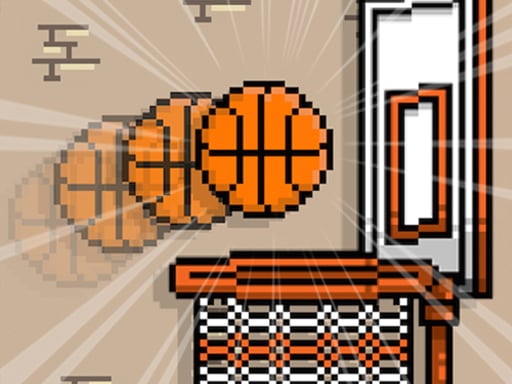
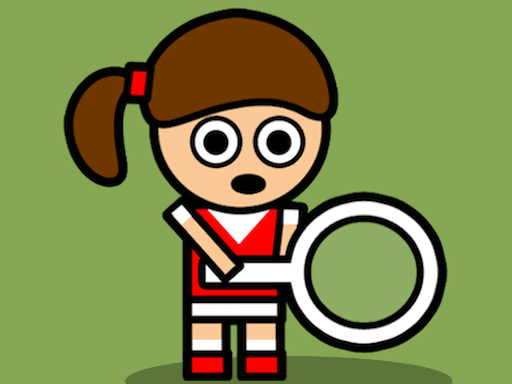
Retro Basketball is about throwing as many balls as you can for a high score, and Retro Tiny Tennis asks you to return balls that get faster, while avoiding flying bottles. Both use the mouse alone.
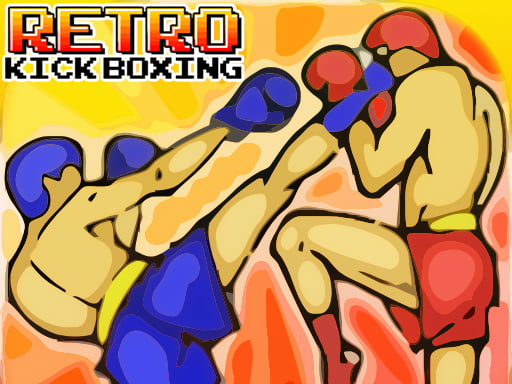
Retro Kick Boxing uses keys: Z punches, X kicks, C blocks, and Left and Right move.

Bricks, balls and blocks
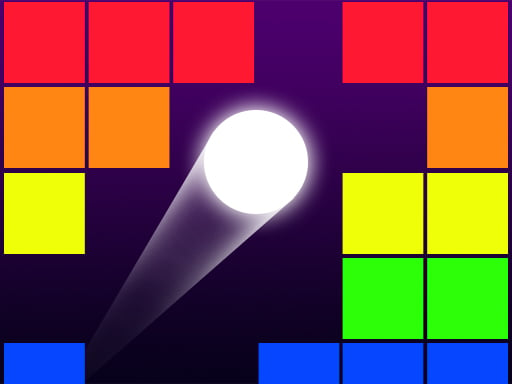
Brick Breaker Retro calls itself a simple classic or retro game with many bricks. Click and drag to aim, and the mouse moves the paddle. Pixel Smash Ball is about bouncing a ball into colorful pixel blocks and destroying every pixel on the screen, with the challenge growing each level. It takes a mouse click or a tap.

Tips for chasing a high score
- Read the controls first. Retro Kick Boxing uses Z, X and C, while Retro Tiny Tennis needs only the mouse.
- Check whether the ship fires by itself. Vector Strike has autofire you can switch off, and Cosmic Defender fires while you hold the button.
- Learn one pattern at a time. In Tap Tap Racing the road has only three lanes, so the whole game is choosing the free one.
- Use the pause key when a game lists one. Vector Strike lists P or Esc, and Cosmic Defender lists Escape or the P key.
More of the pixel look is in the pixel games collection and the pixel games guide. Cabinet-style kinds such as brick breakers and mazes are explained in the arcade games guide, and more levels to jump through are in platformer games.
Retro games FAQ
What are retro games?
Games with the look and feel of early computer and arcade games: pixel art or neon graphics, simple controls, short rounds and a score to beat. The label describes style, not age, so read each game's own description.
Can I play retro games online for free?
Yes. Every game above plays free, right in the browser, with no install and no registration.
Do I need to download anything?
No. The games run in the browser of a phone, a tablet and a computer. Check the controls of each one, because some use the keyboard and others use a mouse or taps.
Do retro games work on a phone?
Many do. Tap Tap Racing, Pixel Dash: Neon Run and Netherton Volleyball list taps, and Cat Up lists touch controls. A game that lists only keys, such as Retro Kick Boxing, is built for a keyboard.
Pick a game with controls you already know, and play a few rounds before you judge it.