Airplane Games Online: Flight Sim Basics, Landing and Dogfights
Updated
Airplane games online come in a few kinds: flight simulators that take you from one airport to another, landing challenges, dogfights against other fighters, arcade shooters, and air races. They share a small set of controls that move the nose up and down, tilt the wings and turn the plane. Below is what those controls do, how to take off and land, and games from the airplane games collection for each kind.
Pitch, roll and yaw: the flight controls
A plane turns around three axes. According to Wikipedia's article on aircraft principal axes, pitch moves the nose up or down, yaw moves the nose left or right, and roll rotates the plane around the line from nose to tail, tilting the wings.
| Movement | What it does | Keys in Falcon Dogfight |
|---|---|---|
| Pitch | Nose up or down: climb or dive | W and S |
| Roll | Tilts the wings left or right | Q and E |
| Yaw | Swings the nose left or right | A and D |
Simpler games fold these into fewer keys. Airplane Simulator Game and Firefighter Plane Game, where you drop water on forest fires, fly on WASD or the arrow keys. Polygon Flight Simulator uses W plus the mouse: drag to climb, move it forward to descend. Passenger Airplane: Flight 3D uses an on-screen joystick with a slider throttle, and arrow keys can be switched on in its settings. Fly AirPlane 3D needs only Space, a click or a tap to fly up.
Throttle sets your speed. In Airplane Parking Mania 3D you manage it with the mouse, and in Passenger Airplane: Flight 3D with the slider.

Taking off and landing
Flight simulators in the browser simplify the real thing, but the order of steps stays the same.
- Take off. Build speed on the runway first, then climb gently.
- Find the route. Real Airplane Simulator draws a green arrow and lines to follow and asks you to adjust your height; Polygon Flight Simulator has checkpoints in the air on the way to the next airport.
- Line up early. Point the plane at the runway while you are still far away, so the last part of the approach is a straight line.
- Slow down and descend gently. Perfect Landing, Plane Pilot asks you to keep the nose steady all the way down to a clean touchdown.
Games to practice it in:
- Real Flight Simulator teaches starting, steering and landing over 6 levels, with the instrument panels simplified.
- Airplane Simulator Game has you take off from one airport and land safely at another.
- Passenger Airplane: Flight 3D has a Flight Training mode for basic pilot skills and a World Map mode with passenger routes, plus three weather settings and six camera views.
- Crash Landing 3D Online is built around takeoff and landing over a wide area, with a score to chase.



Landing challenges
- Perfect Landing, Plane Pilot is a run for distance and coins: steer left and right past spinning wind turbines with a swipe or a mouse drag, then line up for a smooth landing.
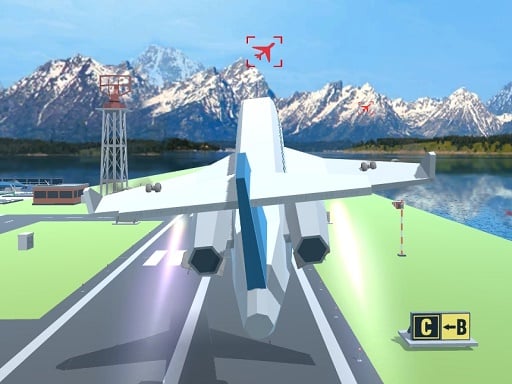
- Landing Hero makes you the air traffic controller. Draw a path from each plane to the runway, watch the approach angle and keep several planes apart; one mid-air collision ends the game. Different aircraft fly at different speeds, over three difficulty levels.
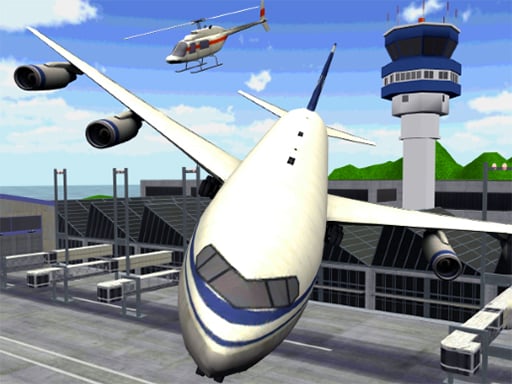
- Airplane Parking Mania 3D ends the flight on the ground: steer a large plane into the right parking slot at the airport.


Dogfights
A dogfight is close combat between fighter planes.
- Falcon Dogfight is based on real fighter jets but simplifies the controls, with radar lock and fights both up close and from beyond visual range. On a phone you fly with a joystick and fire by tapping the weapon icon.
- Advanced Air Combat Simulator flies on WASD, while the mouse aims and looks around and a left click fires. C changes the camera.
- War Plane Strike: Sky Combat uses WASD and the left mouse button, or a slide to fly and a tap to fire on a phone.
- Jet Fighter Pacific War mixes dogfights over the Pacific with strikes on ground targets, under fire from anti-aircraft guns and ships.
- Sky Battle is a multiplayer dogfight: the cursor steers, Space fires, Z fires a straight missile and X a radar missile.

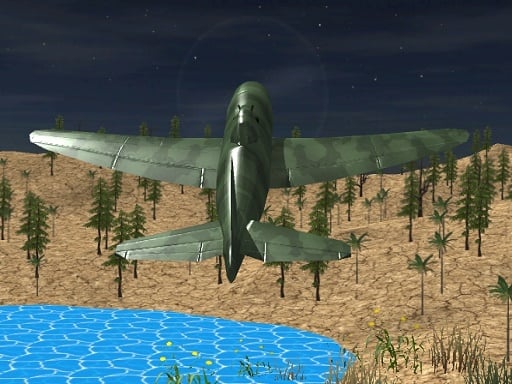
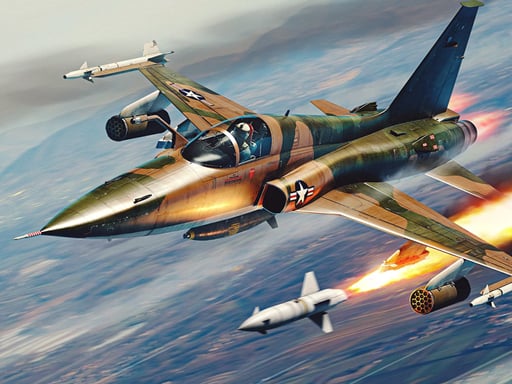
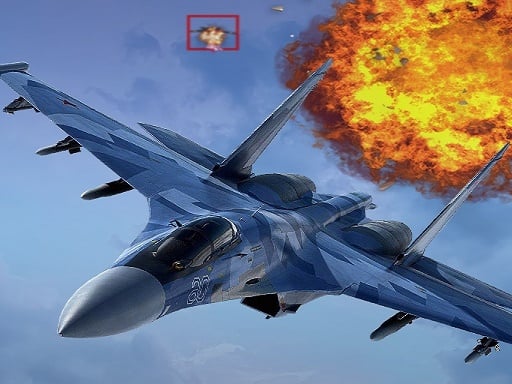
Keep the target in sight. Advanced Air Combat Simulator lets you look around with the mouse and switch the camera with C, which helps you find a plane that has slipped out of view.
Arcade plane shooters
These skip the flying lessons: the plane follows your finger or the keys, and the screen fills with enemies.
- Stormhawk is a vertical shooter with 32 missions and a boss at the end of each. Drag to fly and the plane fires on its own; a tap with a second finger makes a barrel roll that keeps you safe for a moment. There is a daily mission that every player gets the same.
- Plane Shooter moves with the arrow keys or a drag, against waves of enemies and boss planes.
- Aircraft Shooter has five kinds of enemies firing rockets, bullets and lasers, and a shop to improve the plane, weapons and lives.

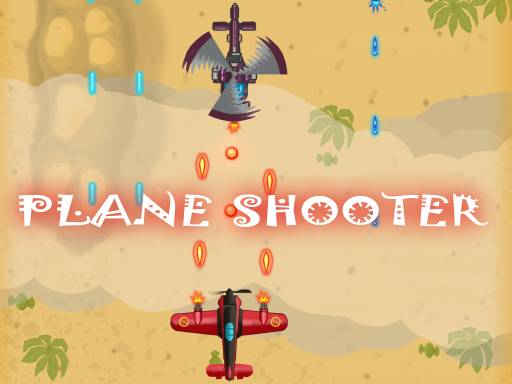

More shooters are in shooting games.
Plane games for two players
- Air Force Fight has a 12-level campaign and a Battle vs Player mode: player one flies on WASD and fires with G, player two uses the arrow keys and L.
- Stunt Planes races modified World War II-inspired warplanes through 3D courses with power-ups. Player one flies on the arrow keys, player two on WASD, and you can set your own keys.

More games for two are in 2 player games.
Airplane games FAQ
How do you fly a plane in a game?
Speed up on the runway, climb gently with the pitch control, and steer with roll and yaw. Simple games use WASD or the arrow keys for all of it; check each game's controls before you take off.
How do you land a plane in a game?
Line up with the runway early, slow down, and descend with the nose steady. Real Flight Simulator and Airplane Simulator Game are made for practicing it.
Can you play a flight simulator in the browser?
Yes. Real Flight Simulator, Polygon Flight Simulator and Passenger Airplane: Flight 3D run in the browser with no install and no registration.
More flying is in the airplane games collection, and more ways to drive and fly in simulation games.